
Link a Utility Account on PayCoMo
Follow the directions below to link a utility account to your PayComo profile:
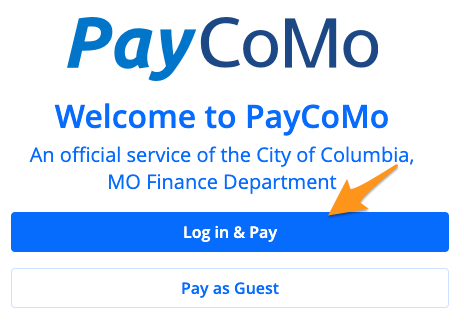
- Visit PayComo, click Log in & Pay, and sign in (see Create a PayComo profile)
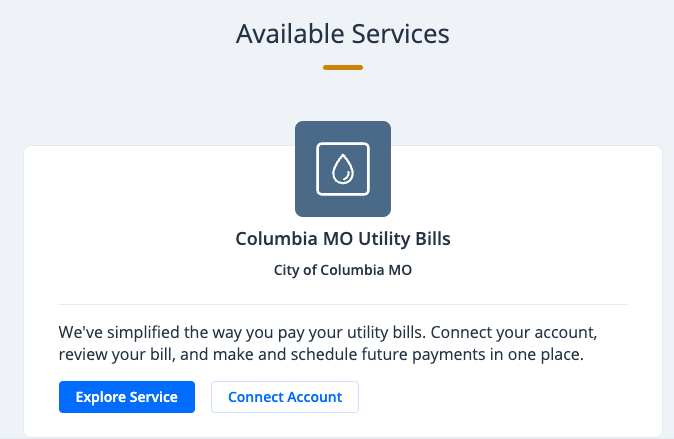
- Under the "Available Services" section, click Connect Account
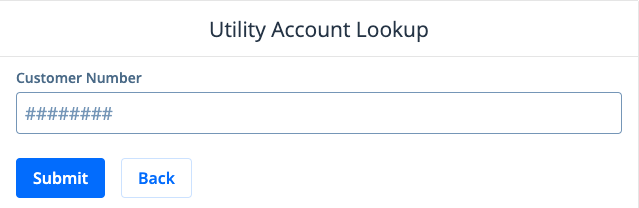
- Enter your customer number and account number separated by a hyphen and click Submit
Note: This is found near the top-middle of your bill
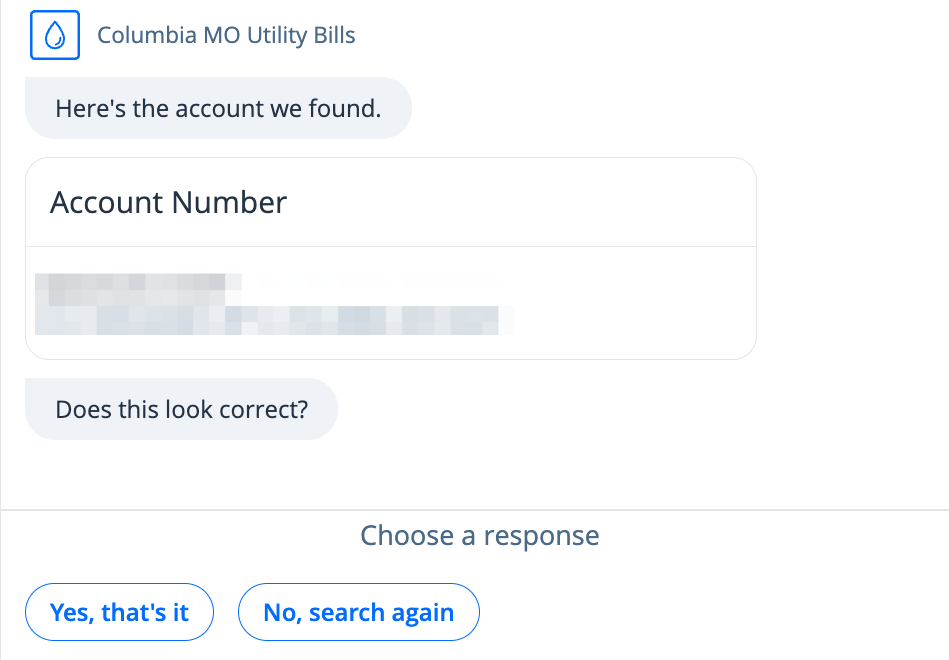
- Select Yes, that's it. If the account is not yours, choose No, search again.
Your account is now linked to your PayComoprofile. New bills will appear on the dashboard after signing in.
If you have a current balance due, it will now appear (see Pay a Utility Bill on PayComo)